This page collects the animated workflow scenarios discussed in the previous sections and presents them in a visual, time-resolved form.
The animations do not introduce new concepts — they are meant to make the already-explained workflows visible in motion.
You can reach this page in several ways:
via the Simulations button in the middle of the Workflow Explorer start page
via the Simulations link in the top navigation
(where available) directly from the individual workflow scenario explanation pages
Why these animations exist
After studying the workflow scenarios step by step, it is often helpful to watch the same process unfold over time.
These animations serve two purposes:
Reinforce understanding
They visually connect the static diagrams and explanations from the previous sections to their dynamic behavior:
queue growth, idle ranks, blocking, synchronization points, and data transfers.Build intuition for your own applications
By observing how different orchestration patterns behave, users can start recognizing scenarios that resemble their own workloads — even before modeling them explicitly in the Workflow Explorer.
Scenario overview
The overview page lists all available workflow scenarios discussed earlier (Scenario A–D), each representing a distinct orchestration pattern.
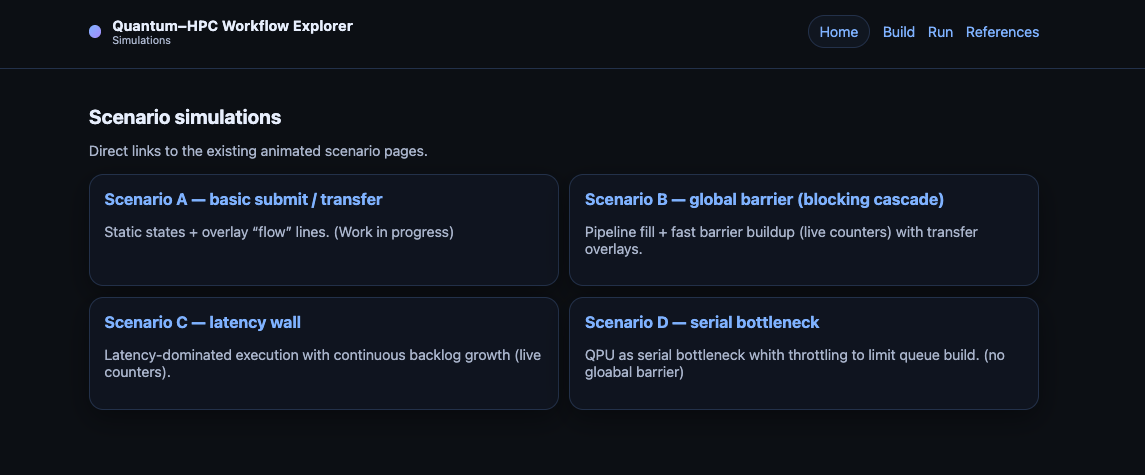
Each scenario corresponds directly to a workflow analyzed in detail in the preceding documentation sections. The animations simply make those workflows observable over time.
Example animation
Each scenario opens into an interactive animation that shows the workflow progressing step by step.
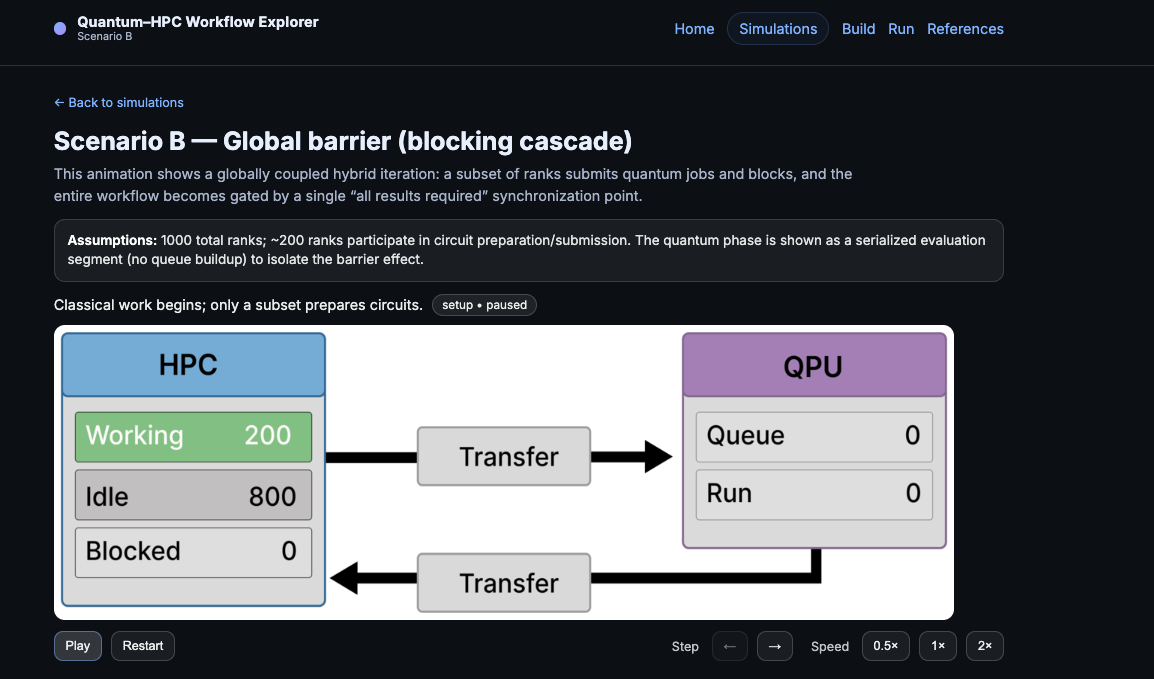
In these animations you can observe, for example:
ranks transitioning between working, idle, and blocked states
queue buildup and release on the QPU side
data transfers becoming active when submissions or returns occur
How the animations work
To keep the animations informative without unnecessary waiting:
Single steps and key transitions run more slowly
Repetitive loop sections are intentionally sped up
Counters update to reflect how many ranks or jobs are in each state
Transfer lines animate only when the corresponding transfer is active
This allows long-running patterns to remain visible while keeping the overall runtime manageable.
Relationship to the Workflow Explorer tool
These animations are the visual counterpart to the conceptual workflows introduced earlier.
They prepare users for the next step: parameterizing and exploring their own workflows using the Workflow Explorer.
Details on building and running custom workflow models are covered in the dedicated Explorer pages.